A plumbing owner misses a call at 1:12 pm because he's under a sink. At 1:18 pm, he's driving to the next stop. By 2:05 pm, the voicemail is buried under two supplier calls, one homeowner text, and a dispatcher question.
That is the exact kind of leak the smallest workflow should fix first.
Missed-call text-back is not a big system. In plain shop language, it means this: when the shop misses a call, the caller gets a useful text right away, with one clear next step, and someone on your side can see the reply.
Not a paragraph. Not a fake chatbot conversation. Not a replacement for your office team.
Just a fast handoff.
We use 22% as a planning number from local examples when we talk missed calls. If a shop gets 40 calls a week, that works out to roughly 9 missed calls. Using the usual 20% to 45% conversion band for calls that would have booked if answered, that is enough leakage to notice on a phone log and on the books. The fix is usually not a giant rebuild. It is getting to a two-minute reply with a workflow you can actually watch.
Start with the prerequisite check
Before you wire anything, answer these three questions.
1) Which phone number is the real front door?
Pick the main number that gets the highest share of first-time inbound calls. Not the owner's personal cell if that number changes. Not the side number used by one tech. The front door.
If your shop has two or three numbers floating around, this is where the rollout gets messy. Pick one first. You can sort the rest later during the two-week shakedown.
2) Which message inbox will the replies land in?
You need one place to watch. That might be a shared inbox, a business texting app, or a CRM inbox scoped to the workflow. If the reply goes nowhere useful, the workflow dies on day one.
We usually scope this around the tools a shop already uses. That can include Jobber, Housecall Pro, ServiceTitan, Google Calendar, or GoHighLevel, but the right fit gets checked per shop before anything is quoted.
3) Who watches that inbox?
This sounds obvious. It isn't.
One Ontario HVAC dispatcher told me, "If it comes to me, I'll handle it. If it lands in three places, nobody owns it." That's the rule.
Pick one person for first response during business hours. If that person is on lunch from 12 pm to 1 pm, assign the backup. If after-hours replies matter, define who looks first thing in the morning.
If you cannot answer these three questions clearly, stop there. Don't build the workflow yet.
The four-step rollout
You can wire the first version in 48 hours if you keep it small.
Step 1: Set the number
The workflow should trigger from the number customers already call.
That sounds boring, but it matters. If your missed call comes into one number and the text-back goes out from another random-looking number, reply rates drop and homeowners get cautious.
The goal is simple: missed call in, text-back out, same shop identity.
If you later add AI receptionist on overflow or a fuller lead recovery system, great. But for the first workflow, don't stack four moving parts when one will do.
Step 2: Write the message body
This is where owners usually overcomplicate it.
Your first message should do three things:
- acknowledge the missed call
- identify the shop
- ask one useful next-step question
A plain version looks like this in spirit: you reached the shop, we missed your call, what service do you need help with?
Keep it short enough to read in 5 seconds.
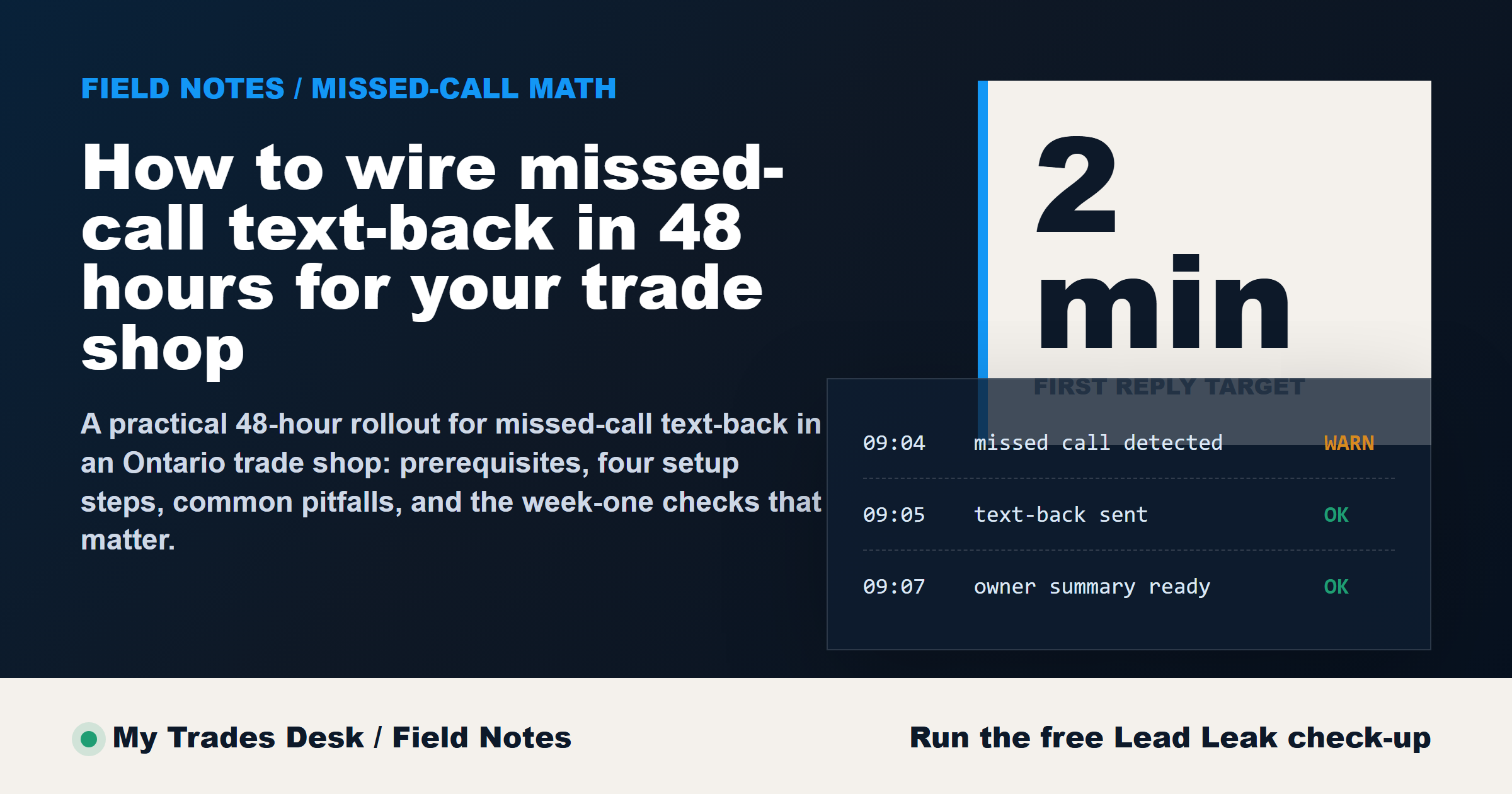
This is the benchmark: if a caller missed you at 3:30 pm, can they get a two-minute reply that gives them a simple way forward?
Do not ask for six details at once. Do not ask for photos, postal code, budget, urgency, and appliance model in the opening text. One question at a time works better in trade intake.
Step 3: Route the response
The reply has to land somewhere a human can act on it.
There are only two good options for the first rollout:
- It lands in one monitored inbox and the assigned person replies.
- It lands in one monitored inbox and creates a visible task for callback.
That's it.
If you send replies to the owner, dispatcher, estimator, and office admin all at once, you create confusion instead of coverage. If nobody knows whether the next step is text, call, or booking, the caller waits.
The handoff should be explicit:
- who replies first
- when they reply
- when it becomes a phone callback instead of text
- when the owner gets pulled in
This is also where Sam can come later if you want an after-hours layer or AI receptionist on overflow. But text-back first is usually easier to observe because the shop can read every exchange and tighten the wording.
If someone wants pricing in that first exchange, don't guess. Route pricing and custom scope to a short consult.
Step 4: Set the owner alert
Owners need visibility without getting spammed.
The alert should fire when a reply has not been handled, not every time a text arrives.
A simple setup is enough:
- new missed-call text sent automatically
- reply comes in
- if no human response within a set window, owner gets alerted
That gives oversight without dragging the owner into every intake.
The point is not to create another noisy app. The point is to make sure a real lead does not sit untouched until 9 am the next day.
The two pitfalls that kill it early
Pitfall 1: Pushy message tone
The fastest way to tank this workflow is to sound robotic, needy, or salesy.
If the first text feels like a drip campaign, people stop replying. Homeowners who just had a leaking tank, tripped breaker, or no-cool call do not want a marketing sequence. They want a clear next step.
Short beats clever.
Pitfall 2: Unclear handoff
This one is worse because it hides.
The text gets sent. The customer even replies. But nobody knows whether dispatch should call, the owner should text, or the estimator should wait until morning.
From the outside, the workflow looks live. In the phone log, the lead still dies.
Write the handoff down in four lines and keep it visible. If a reply comes in after-hours, say who checks it at opening. If the issue sounds urgent or unusual, send it to a human fast. Don't ask automation to make judgment calls it shouldn't make.
How to know it's working after week one
Do not judge this by gut feel.
Use three checks after the first 7 days.
1) Reply rate
Of the missed calls that got the text-back, how many replied?
You do not need a heroic number to prove the workflow is useful. You need enough replies to show that the wording is clear and the number looks trustworthy.
2) Response time
How fast did the shop answer those replies?
If the workflow sends a text in under two minutes but your human follow-up takes 4 hours, you did not fix the handoff. The text-back bought you time. It did not finish the job.
3) Owner-visibility rate
Could the owner or assigned admin actually see what happened?
This one gets missed a lot. If 10 replies came in and the owner can only find 6, you have an inbox problem, not a lead problem.
A good first workflow is small enough to inspect line by line during the two-week shakedown.
One caveat before you roll this out
This isn't a study, and it isn't a promise that every missed call turns into booked work. It won't. The 22% missed-call number is a planning figure from local examples, not a guarantee for your shop. The 20% to 45% conversion band is directional napkin math, not a promised outcome. Missed-call text-back also won't recover the entire leak by itself. It handles speed and handoff. It does not solve weak pricing, bad service areas, or a slow callback process.
What it does do well is give the shop a small, observable first workflow.
You can see the trigger, read the message, watch the reply, and tighten the process before you add anything bigger.
If you want to hear how the phone side sounds, Sam is the public demo voice at +1 (249) 504-0088. That demo is there to show the experience, not to suggest every shop should deploy the exact same setup.
If you want us to run the napkin math against your own call volume first, the Missed Call audit takes about 30 seconds and sends the report to your inbox.