Contrarian take: the problem usually isn't the CRM.
It's the setup.
I sat down with an Ontario plumbing owner a while back and asked one simple question: "When a lead comes in after you miss the call, where do you see it first?" He pointed at his phone. Then his dispatcher pointed at email. Then the office admin opened the CRM and found a third version of the same customer with partial notes.
That shop did not have a software problem. It had a handoff problem.
That's the pattern we keep seeing with field-service CRM setup. Owners already have tools in place. Jobber, Housecall Pro, ServiceTitan, GoHighLevel, Google Calendar, QuickBooks, Wave, Stripe, Square — the list changes by shop. The issue is usually not "move everything." It's that the CRM gets set up to watch every corner of the business, and now the owner has another inbox, another dashboard, and another cleanup job.
Below are seven mistakes that make a field-service CRM feel heavier than the work itself. For each one, the shop scenario, what it costs, and the smallest fix.
1) Tracking everything instead of the workflow that matters
A roofing owner wants the CRM to track calls, web forms, quotes, supplier notes, truck schedules, follow-ups, payments, referral sources, review timing, and old warranty records from day 1.
What happens? Nothing gets watched closely enough to improve. The first workflow is too wide.
What it costs: usually 2 weeks of setup turns into 6 places to check every day, and the owner still can't answer one basic question: "Did yesterday's missed leads get a reply?"
The smallest fix: start with one visible workflow. Usually that means missed-call text-back or AI receptionist on overflow feeding one clean pipeline. Give it a two-week shakedown. If the owner can watch it daily, the setup is small enough. If not, it's already too big.
A CRM should answer one operational question first. Not all of them.
2) Pushing call notes into the CRM the owner never opens
An HVAC owner is on the tools until 3:30 pm. Calls get logged. Notes get pushed into the CRM. The CRM is technically up to date.
But the owner doesn't live there. He checks his texts between jobs and his voicemail history at red lights. So 10 replies can come in, and he can only find 6 without digging.
That's not a lead problem. That's an inbox problem.
What it costs: slow follow-up, duplicate callbacks, and the feeling that the system is "missing stuff" when the notes are actually buried in the wrong place.
The smallest fix: route the owner-facing alert to the place the owner already watches. Then let the CRM hold the record. The rule is simple: the CRM can be the filing cabinet, but the next action needs to show up where the human will actually see it.
This is where a lead recovery system helps. Not because it makes the CRM smarter, but because it keeps the handoff visible.
3) Building too many job statuses so the dashboard becomes noise
I dug through one setup that had status labels for new lead, call attempt 1, call attempt 2, voicemail left, quote pending, quote viewed, waiting on parts, reschedule requested, needs owner review, estimate maybe, and a pile more.
On paper, it looked organized. In real life, nobody trusted the board.
What it costs: dispatch stares at colour-coded clutter, the owner ignores the dashboard, and jobs get parked in half-real statuses that mean different things to different people.
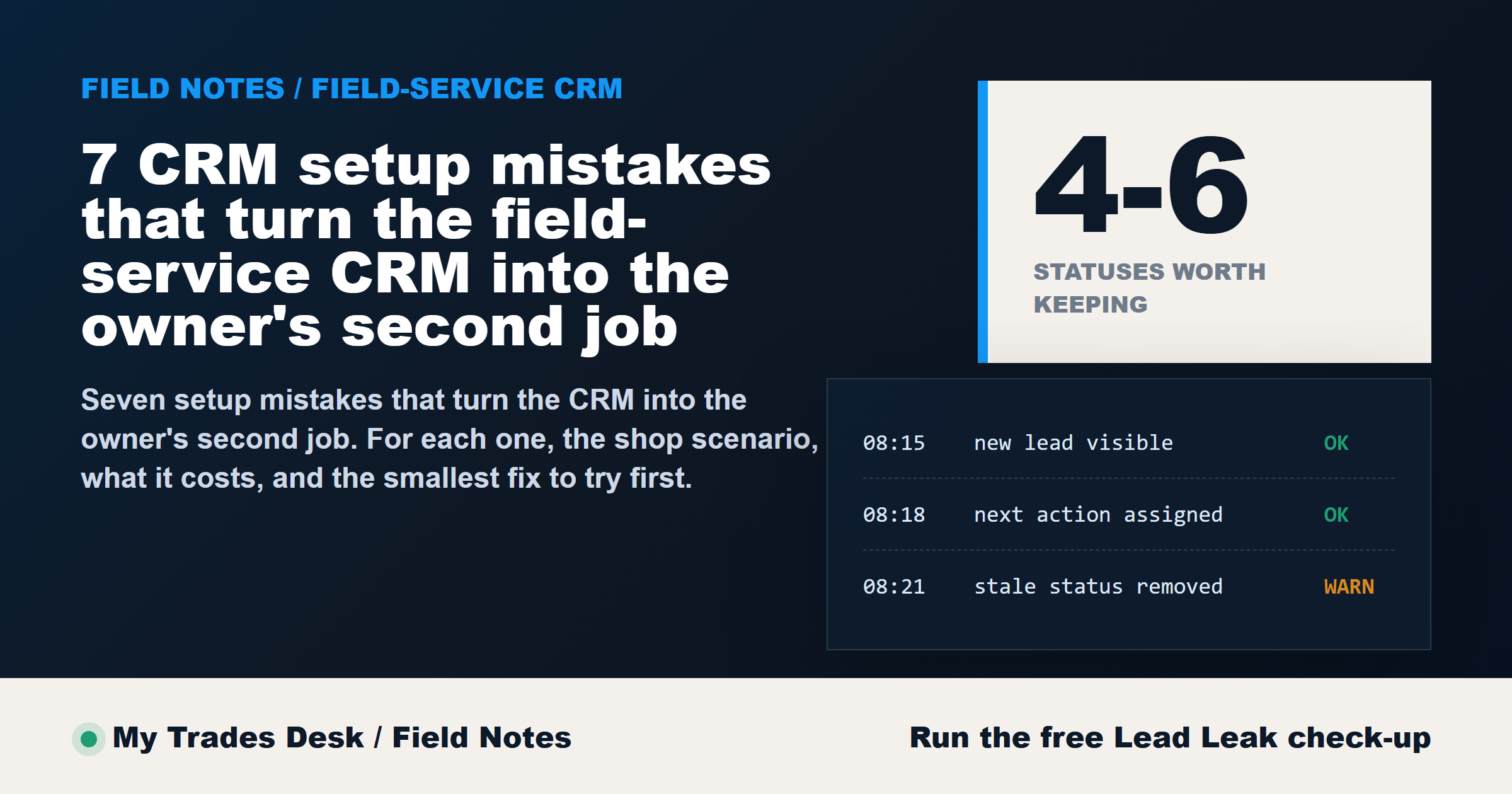
The smallest fix: cut the board down to 4 to 6 statuses the whole shop can define the same way. For example: New, Contacted, Booked, Waiting, Closed. If a status does not change a next action, it probably does not deserve its own column.
A clean board beats a clever board.
4) Skipping the missed-call to CRM handoff so leads die outside the system
This one is expensive because it hides in plain sight.
A caller rings at 12 pm while the owner is under a sink. Another comes in at 12:07 pm while he's driving. A third lands after hours. The phone log has the history, but the CRM never sees those people because nobody created the contact.
Now the shop thinks the pipeline is light. The call log says otherwise.
What it costs: lost visibility on the exact leads the shop needed the CRM to catch. Missed-call rates cluster around 22% in local examples (planning number, not a promise). At 40 calls a week that's roughly 9 calls the CRM never logs. The shape of the leak matters more than the exact dollar number here. The calls leave no trace, so nothing downstream in the workflow can recover them.
The smallest fix: wire the missed-call event into the first visible follow-up. That can be missed-call text-back, AI receptionist on overflow, or both — but the point is the same. If the phone rings and nobody answers, the CRM should still get a usable record and the owner should still get a clear next step.
5) Making the dispatcher chase data entry the techs will not do
An electrical shop asks every tech to update tags, attach photos, fill custom fields, set follow-up dates, and close the loop before driving to the next call.
You already know what happens. The technician gets through the urgent stuff and skips the rest. Then the dispatcher spends 20 minutes chasing details that should have been captured once.
What it costs: office friction, stale records, and resentment on both sides.
The smallest fix: decide what must be captured in the field and what can wait. Keep the field requirement to the few details that actually move the job forward. If the tech won't do it consistently by week 2, redesign the workflow instead of lecturing the team.
Automation should support the office team, not create a second round of cleanup.
6) Turning every booking into a 12-field form instead of two questions
A caller wants a plumbing visit booked. The form asks for service type, property type, address, unit number, gate code, lead source, preferred tech, budget range, referral name, upload, alternate contact, and notes.
Meanwhile the customer just wants to know, "Can someone come tomorrow?"
What it costs: slower intake, abandoned forms, and messy phone calls where staff are collecting admin instead of booking work.
The smallest fix: reduce first contact to 2 questions when possible: what do you need help with, and what's the best contact info? If the job qualifies, collect the rest later. Speed matters more than perfect records at intake.
This is one reason Sam is designed to ask one question at a time on calls. Better pacing gets better input.
7) Never deleting stale automations or fields nobody owns
This is the quiet killer.
A shop adds a follow-up rule in spring, changes the process in summer, adds another field in fall, and by month 12 nobody remembers why half the automations exist. Old fields stay on forms. Old notifications still fire. Duplicate reminders confuse staff and customers.
What it costs: declining trust. Once the team thinks the CRM is messy, they stop believing what it says.
The smallest fix: schedule a cleanup every 90 days. Delete fields with no owner. Pause automations nobody can explain in plain English. If a step does not have a person responsible for it, it is not a real process — it's leftover wiring.
The pattern under all seven mistakes
All seven come back to the same issue: the CRM was set up like a control tower instead of a working handoff.
For a trade shop in Ontario, the CRM should make three things easier first:
- Catch the lead.
- Show the next action.
- Make owner visibility obvious.
If it creates a second place to babysit, the setup missed the point.
That is why we treat CRM work as workflow repair, not platform migration. Keep the existing tools if they fit the shop. Scope the first workflow small enough to watch. Run the two-week shakedown. Then add the next layer once the first one holds.
One caveat before you start ripping fields out
This isn't a claim that every shop should run the same CRM structure, and it won't produce a guaranteed lift just because you cleaned up the board. It won't. A 1-truck operator, a 5-person office, and a larger service shop have different handoff needs. Some custom fields matter. Some extra statuses are justified. The test is not whether the setup looks complete. The test is whether the right person can see the right next step without digging.
If you're wondering what this costs, we don't publish firm pricing because scope depends on call volume, tools already in place, service area, and the first workflow selected. Audit first, then scope it on a short consult.
If your CRM feels like another full-time job, don't start with a migration. Start with the leak. Run the Missed Call audit - takes about 30 seconds and the report lands in your inbox.