An air conditioner stops cooling at 9:18 p.m. The homeowner calls three companies. One phone rings until voicemail. One answering service writes down a name and number. The third caller gets a few clear questions and a realistic next step.
The third company does not need to dispatch a technician immediately to win the conversation. It needs to make the caller feel heard, identify whether the situation may be urgent, and prevent the request from disappearing overnight.
That is the job of an after-hours HVAC call workflow.
Why answering is not enough
A person or AI assistant can answer quickly and still create a bad handoff. If the morning team receives only a phone number and “AC problem,” somebody has to restart the entire conversation. If nobody owns that callback, the lead sits while the homeowner keeps calling.
A useful workflow produces three things:
- a clear call category
- enough context for the next person
- a named owner and response window
The system should not diagnose equipment or promise service availability. It should collect facts, explain the next step honestly, and escalate only under rules the contractor has approved.
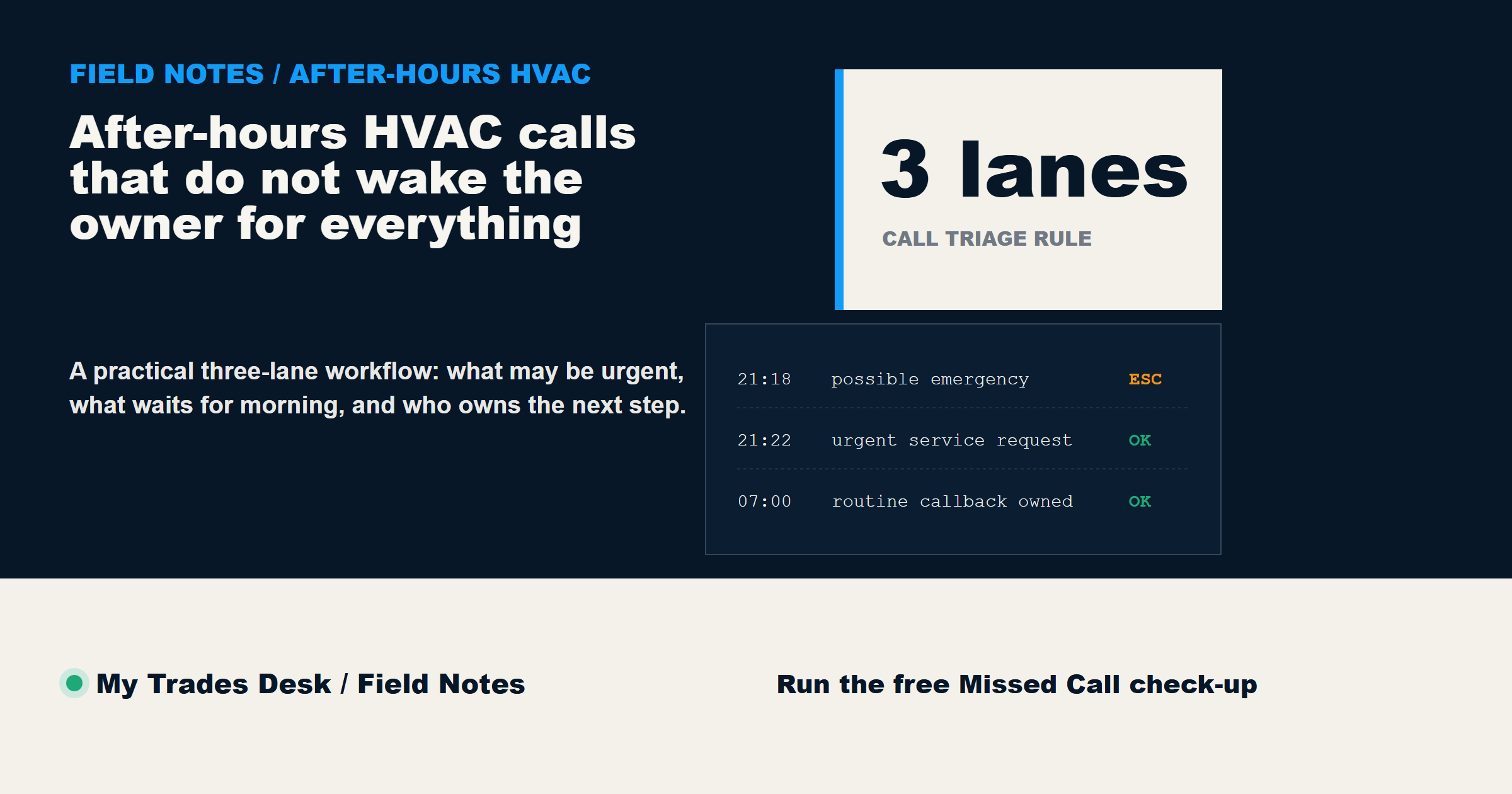
Define the three call lanes
Start with three lanes instead of dozens of complicated tags.
1. Possible emergency
Examples may include a reported gas smell, carbon-monoxide alarm, smoke, fire, or an unsafe indoor temperature involving a vulnerable person. The script should tell the caller to follow the contractor's approved emergency guidance. Depending on the situation, that may mean leaving the area and contacting 911, the gas utility, or another appropriate emergency service.
The answering system should never pretend to determine that a situation is safe.
2. Urgent service request
The system is not operating, the caller wants service quickly, but no immediate safety indicator has been reported. Capture the equipment type, symptoms in the caller's own words, location, availability, and whether they are an existing customer. Then state the real callback or dispatch expectation without inventing an appointment.
3. Routine request
Maintenance, estimates, replacement questions, invoice questions, and non-urgent scheduling can move to the next-business-day list. These calls still matter. They simply should not wake the owner at midnight.
Capture the minimum useful details
Long scripts frustrate callers. Short scripts that miss the basics frustrate the team. A practical minimum is:
- Caller name and best callback number.
- Service address or city.
- What happened, using the caller's words.
- Whether any safety concern was reported.
- Equipment type, if known.
- Existing customer or new inquiry.
- When someone can reach them.
Ask one question at a time. Repeat important details back. If the caller does not know the model, age, or technical cause, move on. The purpose is triage and handoff, not remote diagnosis.
Set escalation rules before the phone rings
An escalation rule should be written before the first live call. Otherwise every unusual situation becomes an owner interruption.
Decide:
- which reported conditions trigger emergency guidance
- which service areas are accepted
- which existing customers receive priority
- who is on call each night
- when to call the on-call person versus send a summary
- what response times can actually be stated
- what the system must never promise
Use exact language. “Call the owner when important” is not a rule. “Call the on-call technician when a caller reports no heat and a vulnerable occupant during the approved winter coverage period” is a rule the team can test.
Give the morning team a clean callback list
The morning handoff should be useful in under a minute. Each item should show the caller, category, location, summary, preferred callback time, and assigned owner.
Do not bury new quote requests inside a transcript. Do not mix spam calls with real service requests. Do not mark a job booked unless the scheduling system confirms it.
The goal is a callback queue the dispatcher can work from top to bottom without replaying every recording.
Test the workflow for seven days
Run a small test before rebuilding the whole phone system.
For one week, review every after-hours call the next morning. Check whether the category was correct, whether the summary saved time, whether any caller received an inaccurate expectation, and whether the escalation rules interrupted the right person.
Fix repeated gaps first. If three callers are asking about the same service area or availability question, improve that answer. If summaries keep missing equipment type, add one question. If the owner is still being called for routine estimates, tighten the escalation rule.
That seven-day review is more useful than assuming the first script is finished.
FAQ
Does an AI receptionist replace an on-call technician?
No. It can answer, collect information, apply approved routing rules, and create a clean handoff. Technical decisions and field service still belong to qualified people.
Should the system book appointments automatically?
Only when it has reliable access to approved availability and the contractor has defined what can be booked. Otherwise it should capture the request and state a truthful callback expectation.
What should never be promised on an after-hours call?
Do not promise a diagnosis, price, arrival time, repair outcome, or appointment that the business has not confirmed.
Where should an HVAC contractor start?
Start with the last seven days of calls. Identify what arrived after hours, what the caller needed, how the request was handed off, and where the next step became unclear. The free Missed Call check-up can help you find that first leak.